Easy wording: natural explanations—not awkward machine translation. Playful touches like fake balance stand out.
Auf X ansehen →Coconut Wallet
Fühlt sich Self-Custody
noch schwierig an?
Starte heute einfach mit Coconut Wallet.
Eine intuitive Wallet für alle
Von Basics bis Profi-Funktionen –
maximale Klarheit im Fokus
01
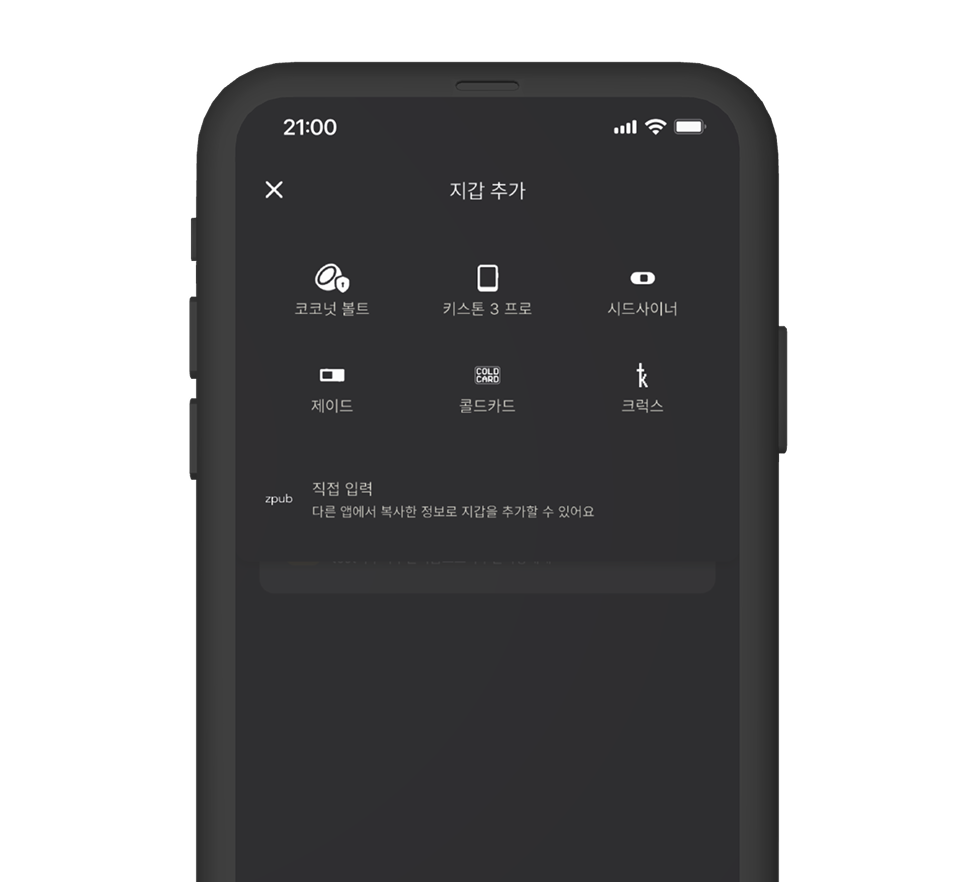
Viele Hardware Wallets
mit Coconut Wallet verbinden.
02
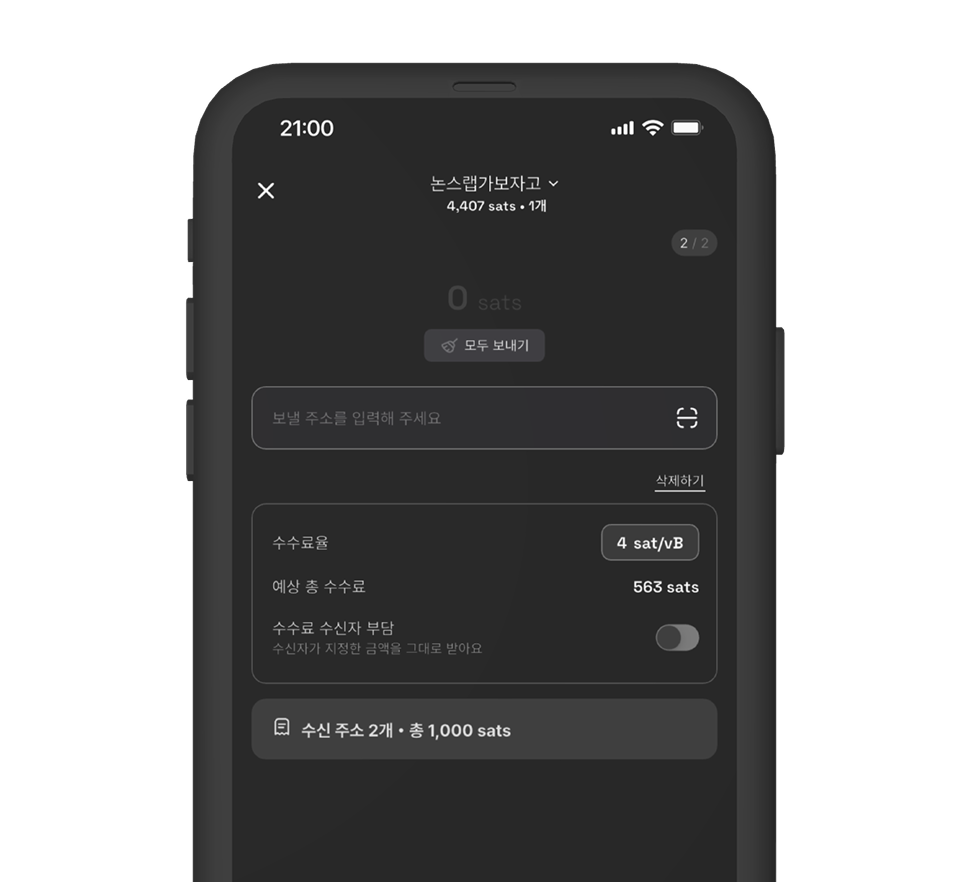
Komplexe Transaktionen
in einfachen Abläufen erstellen.
03
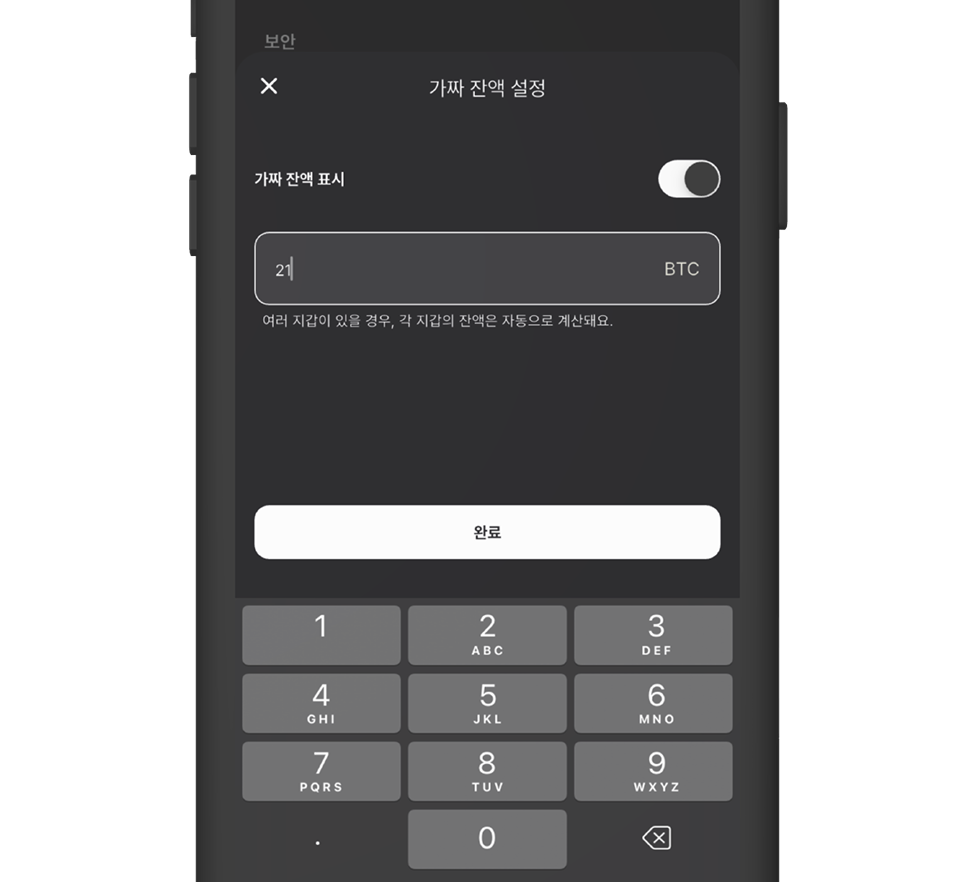
Mit Fake-Balance
dein Bitcoin verbergen.
04
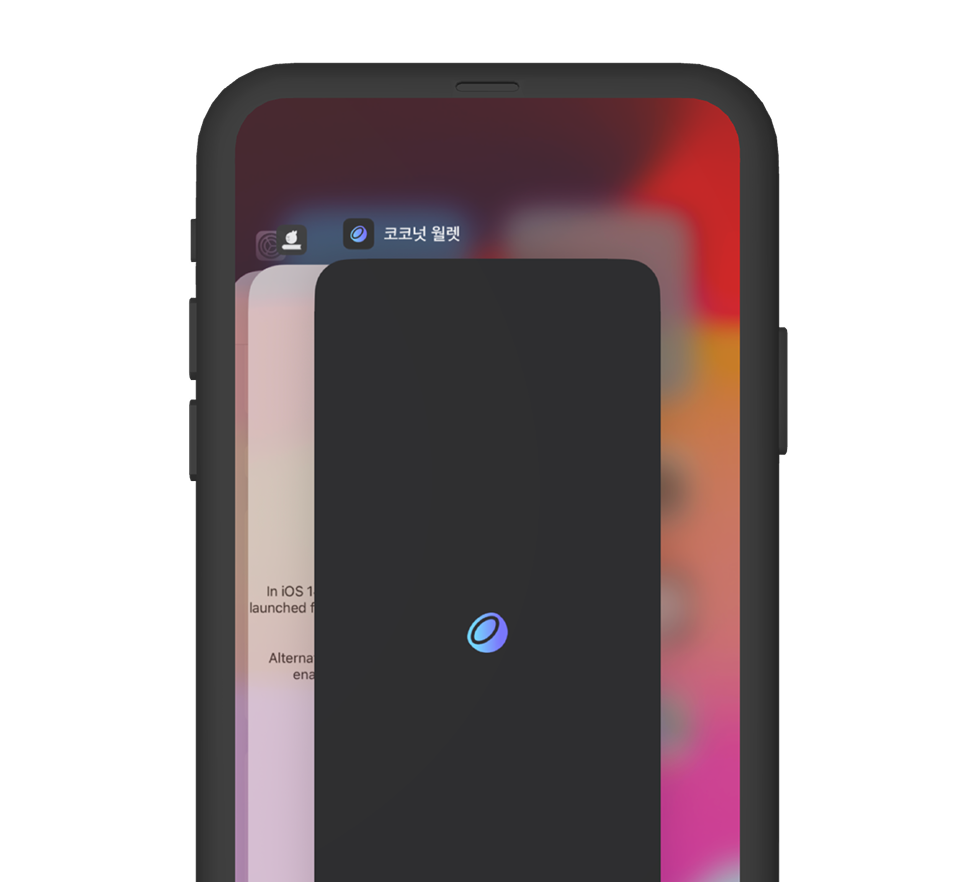
Beim App-Wechsel Bildschirm schützen
für mehr Privatsphäre.
05
Notizen zu Zahlungen
und UTXO-Tags verwenden.
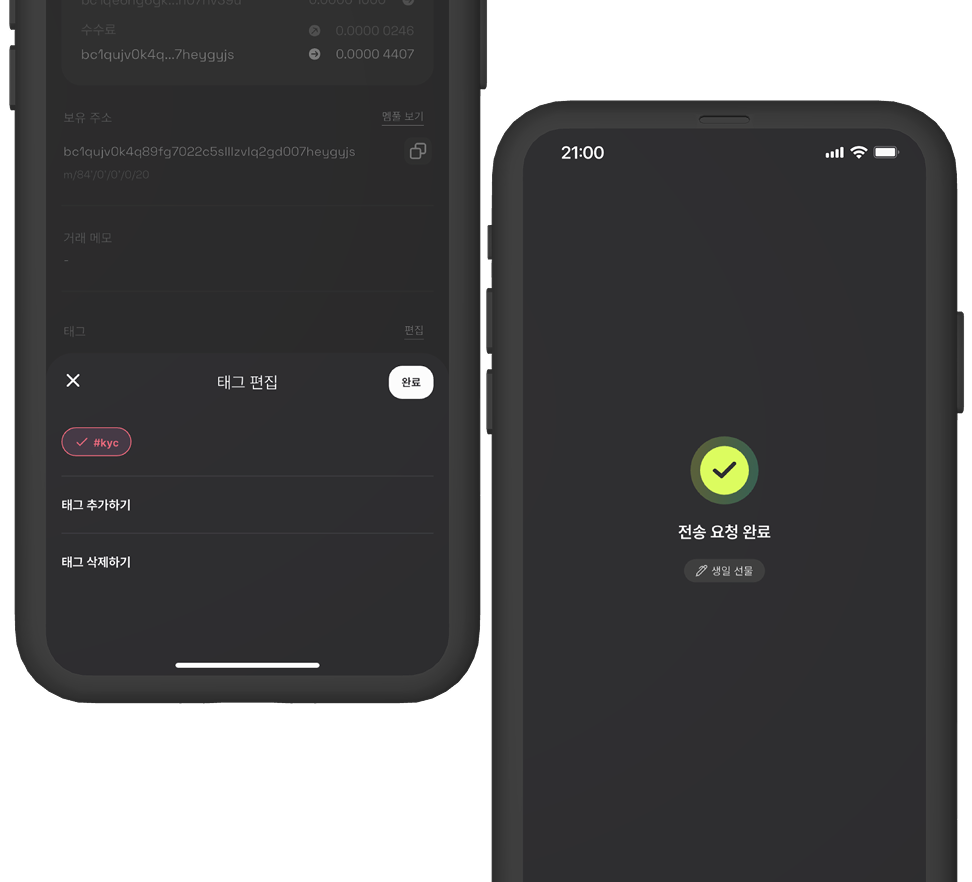
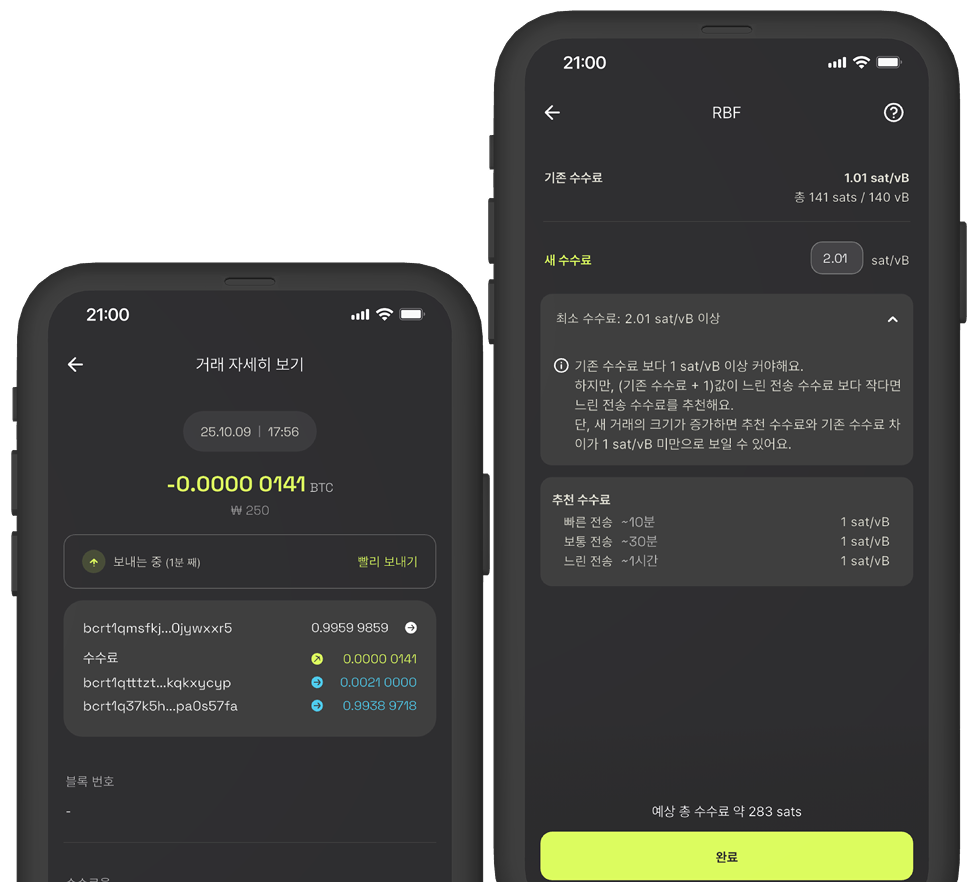
06
RBF/CPFP und weitere Funktionen
reibungslos nutzen.
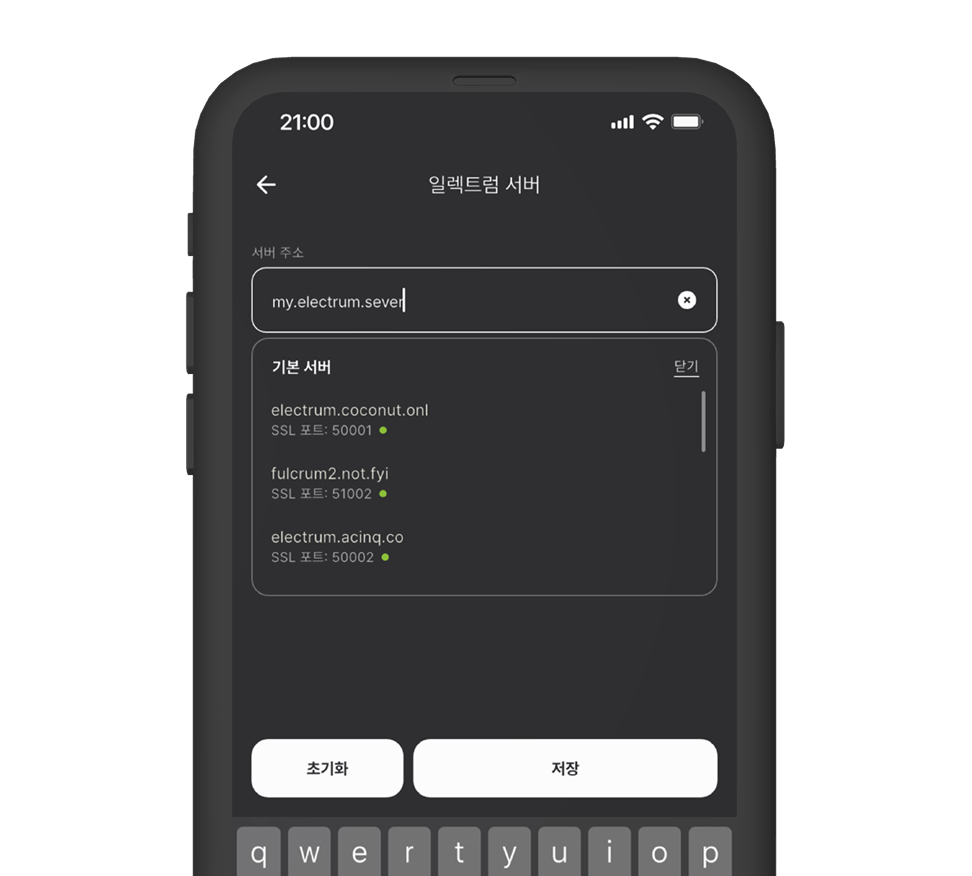
07
Eigenen Full Node
mit Coconut Wallet koppeln.
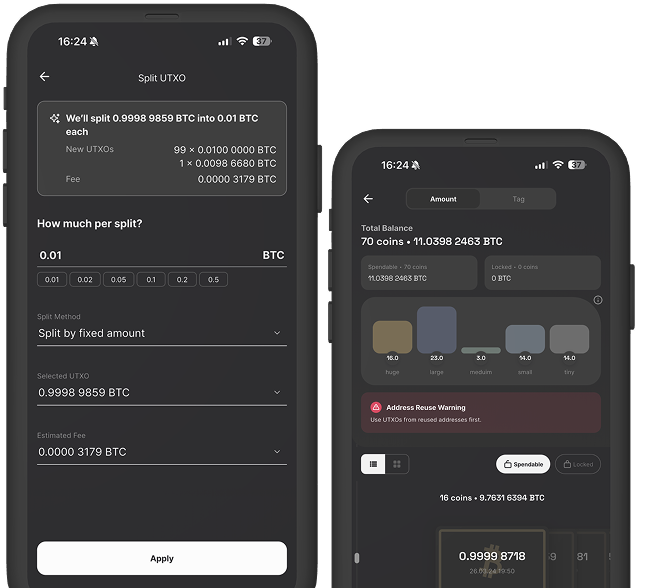
08
UTXOs
intuitiver verwalten.
Echte Nutzerstimmen
Geschichten von Coconut Wallet Nutzern

Coconut guides everyone to use it easily. Clean UI surprised me once; convenience surprised me again.
Auf X ansehen →
Issues with other wallets… Meanwhile Coconut Wallet feels exceptionally well made.
Auf X ansehen →Very fast, stable, and convenient UI. No reason not to use it.
Auf X ansehen →
As easy as everyday banking apps… splitting/merging UTXOs and moving sats feels intuitive.
Auf X ansehen →Watch-only pairing docs across vendors are amazing—clear user empathy.
Auf X ansehen →Icon design to be proud of—adorable. Watch-only “wide eyes”, plus a “+” for add…
Auf X ansehen →
The more I use Coconut Wallet, the better it feels. I reach for it more than other apps without thinking.
Auf X ansehen →Thanks to Coconut Wallet, I discovered I unknowingly had 2 reused addresses—UTXO consolidation complete 🥥
Auf X ansehen →Since Coconut Wallet launched, I wonder if people still saying self-custody is hard might genuinely have a willpower issue. The UI is truly 'user-friendly.' Even older users can manage it easily. If you still can't do it after using this, it's not that it's hard—you just lack the will.
Auf X ansehen →After downloading and trying it: • Clean UI • Setup guides per hardware wallet • Language support ⭐️ • Bitcoin ONLY 🔥 • Glossary included: simple term explanations • Easy support access: POW community & Discord • Mnemonic wordlist included
Auf X ansehen →Felt like mempool fees might surge really soon, so I consolidated my UTXOs. Not just mindlessly hyping it—Coconut Wallet is genuinely really good.
Auf X ansehen →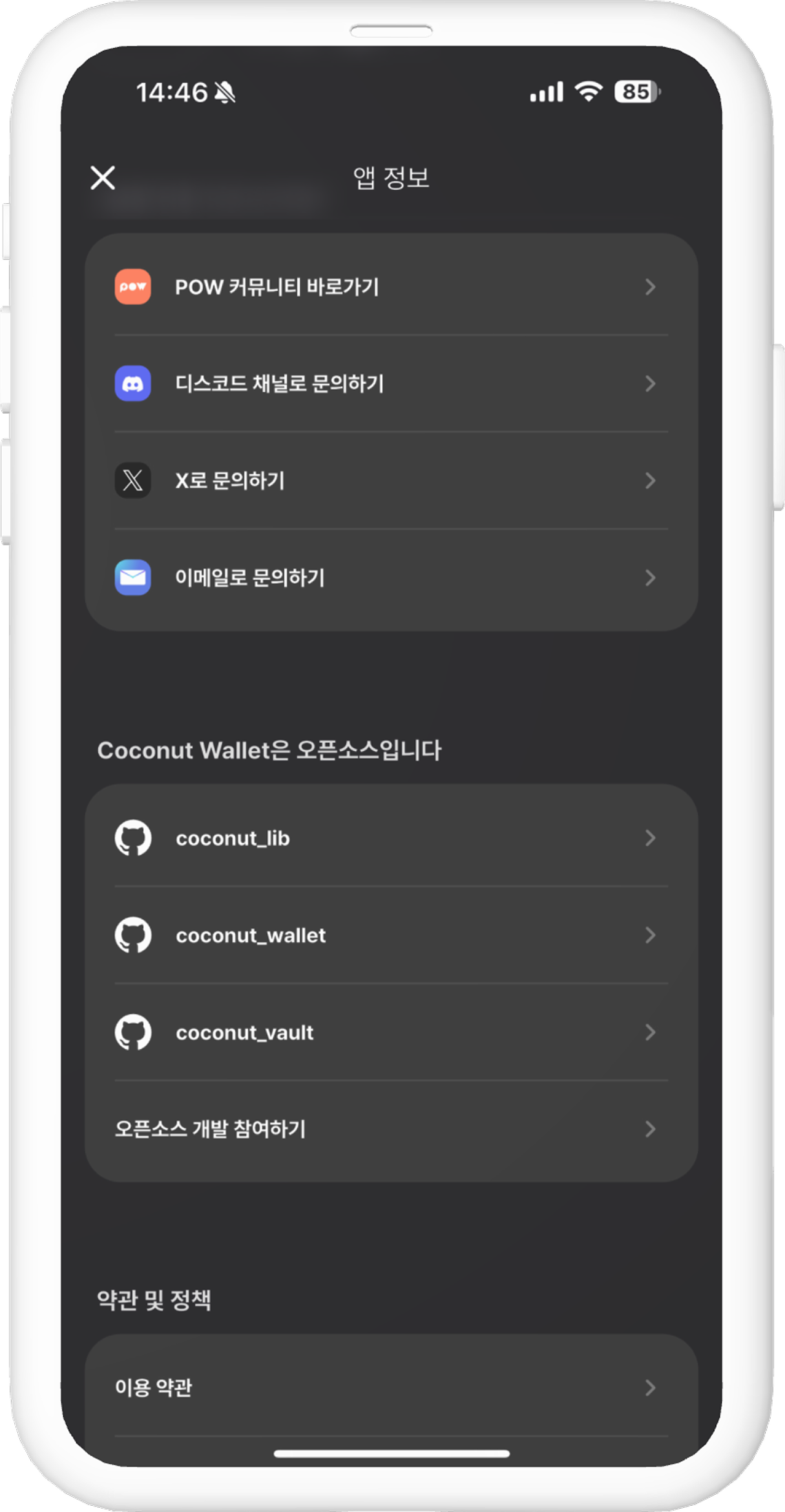
NICHT VERTRAUEN, VERIFIZIEREN
Open Source,
als Fundament
des Vertrauens
Wir glauben, dass jede Bitcoin-Wallet Open Source sein muss. Wir werden dich nicht bitten, uns blind zu vertrauen. Lies den Code und überprüfe selbst.
Herunterladen
Not your keys,
Not your bitcoin
Starte Self-Custody noch heute!
coconut.onl nutzt die .onl-Domain bewusst: Sie klingt wie das koreanische Wort 오늘 (oneul), also „heute“ — ein kleiner Hinweis unseres Teams in Seoul. Starte Self-Custody heute zu deinen Bedingungen.
Offizielle Releases gibt es nur im App Store und bei Google Play.