No matter how much Bitcoin you have, self-custody is a must. Don't be afraid—start with Coconut Vault. The Coconut team will guide you through every step. Bitcoin is the only asset you can truly control. Self-custody is the final step. If you're unsure, the Coconut team handles everything. Even people in their 70s find it a breeze.
View on X (Twitter) →Coconut Vault
When the network is off,
your phone becomes a Bitcoin vault
Self-custody Bitcoin safely offline—
without a complex, expensive hardware wallet.
Which Vault is right for you?
Vault does everything Lite does, and can also keep your keys safely stored on your device.

Coconut Vault
Keep your keys stored. Sign whenever you need to.
$60
- Secure Storage Mode
- Signing-Only Mode
- Taproot inheritance wallets
- Works offline only
- Hardware-backed key storage
Coconut Vault Lite
Load your keys, sign, and wipe them when you’re done.
$21
- Secure Storage Mode: Not included
- Signing-Only Mode
- Taproot inheritance wallets: Not included
- Works offline only
- Hardware-backed key storage
US App Store prices. May vary by store and region.
If you can stay offline
A hardware wallet–class device
with top-tier durability and usability
Hardware-level Protection
Strong security built on hardware-grade protections.
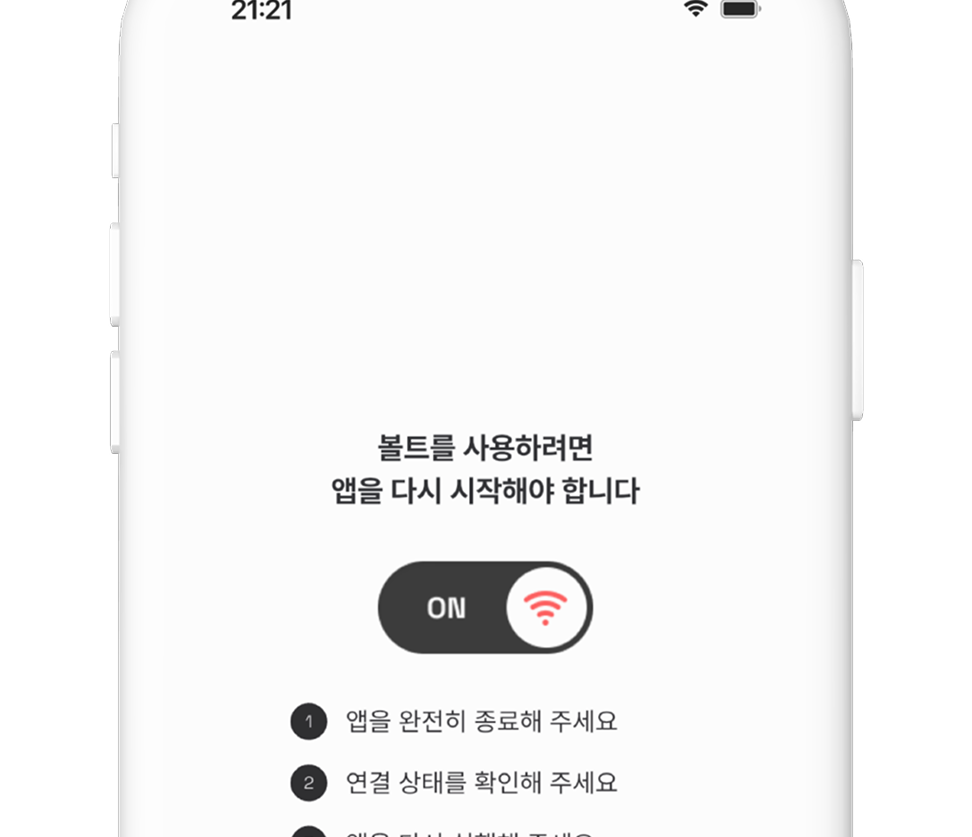
Secure Startup
Once the app is blocked, you must restart it.
Secret Eraser
Securely wipe secret data without leaving traces.
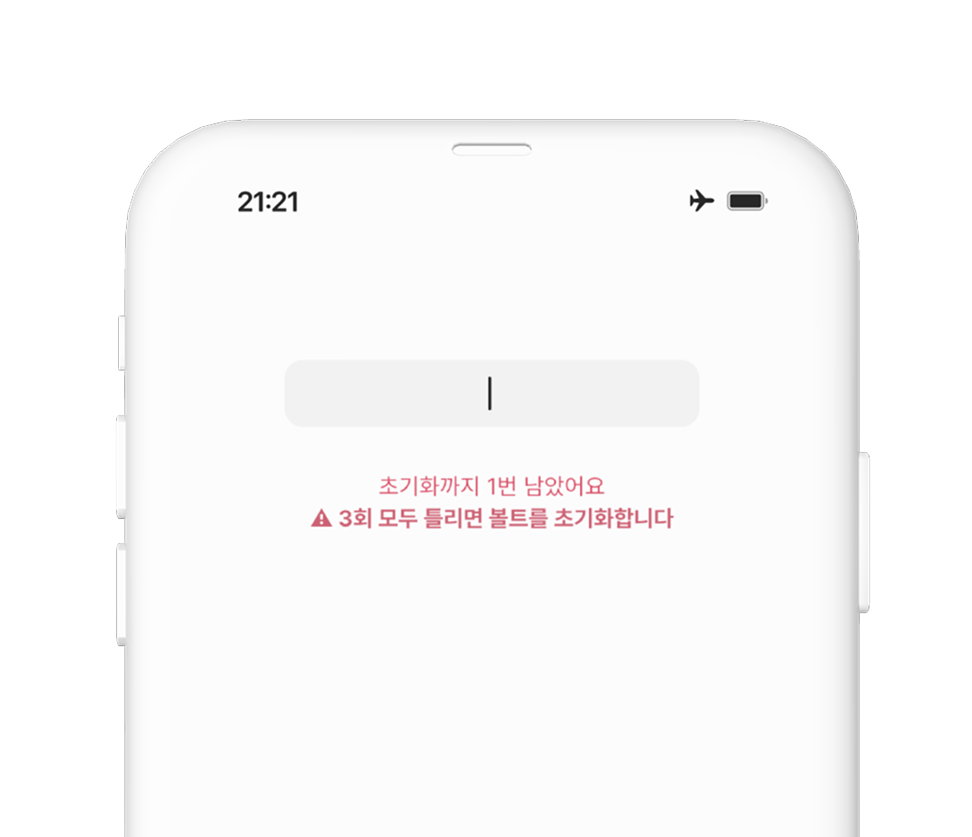
Fail Safe Reset
After failed unlock attempts, wait times increase—
then the app resets after all tries are used.
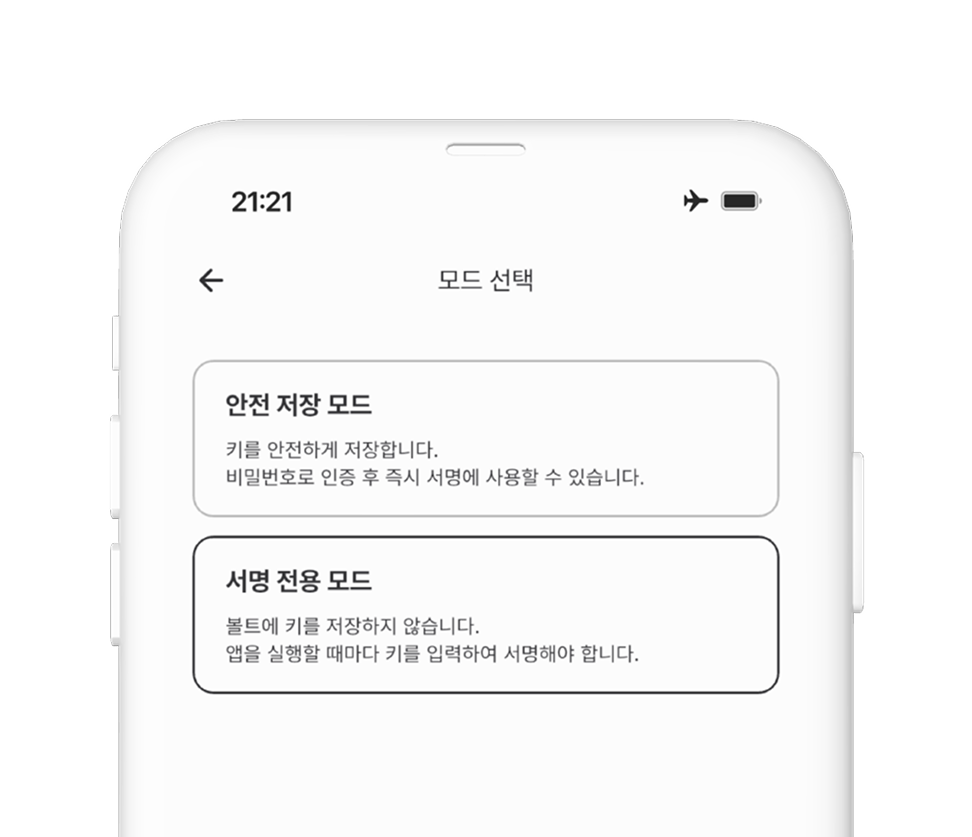
Sign-only Mode
If you want, enter secrets only when needed
and use the device purely as a signer.
Privacy Mode
Hide the fact that you are a Bitcoin holder.

Defense in Depth
Layered defenses protect signing and storage end to end.
Smartphone hardware wallet—
is it safe?
True air-gap blocks every digital entry point. With sound habits, you can reach physical isolation and security on par with dedicated hardware wallets.
References
- *U.S. DoD / NSA Trusted Computer System Evaluation Criteria (TCSEC, Orange Book, 1983): repeated resource isolation, conceptually the same design as air-gap.
- **Apple Platform Security — Secure Enclave architecture
- ***Research paper proposing mobile sandbox structure
- ****Coconut Vault secret wipe logic following minimal-exposure principles (coconut_lib)
User guide
Use Vault even more safely
Coconut Vault is built to work fully offline—but your habits and settings are still part of security. Follow these principles to reach security beyond typical hardware wallets.
RULE 01
Use a dedicated device for Vault only
Vault is meant as an offline signing device. Installing other apps or toggling Wi-Fi/Bluetooth can open new attack vectors. Never take the device online—use it only for offline transaction signing. This alone blocks most remote attacks.
RULE 02
Factory-reset before first use
Before turning a phone into Vault, factory-reset it. Remove leftover apps, logs, and caches completely. This clears unexpected backdoors or malware traces and establishes a trusted baseline.
RULE 03
Prefer a passphrase over a short PIN
4–6 digit PINs can be weak for a signing device. A mixed passphrase resists brute-force far better if the device is physically captured. Use at least ~8 strong characters when possible.
RULE 04
Power off after use
When idle, fully power down Vault for maximum safety. Powered off, memory and storage are unreachable—even firmware-level attacks are far harder. This habit alone defeats many physical and firmware threats.
USER REVIEWS
Stories from Coconut Vault users
Once again, Coconut is simply the best, lol If you've never used a hardware wallet, give Coconut a try. There's a cost involved, but it's absolutely worth it.
View on X (Twitter) →
Tried making a transaction with Coconut Vault Very intuitive and user-friendly (feels very secure when used with internet and Bluetooth off) Even beginners (spouse, kids) can make transactions easily with a bit of patience
View on X (Twitter) →Coconut Vault is so convenient Other wallets are basically just display items now...
View on X (Twitter) →Coconut Vault purchase complete Planning to use it on a spare iPhone— Doing it on phone is fast and incredibly easy Thanks for the great app 🤩
View on X (Twitter) →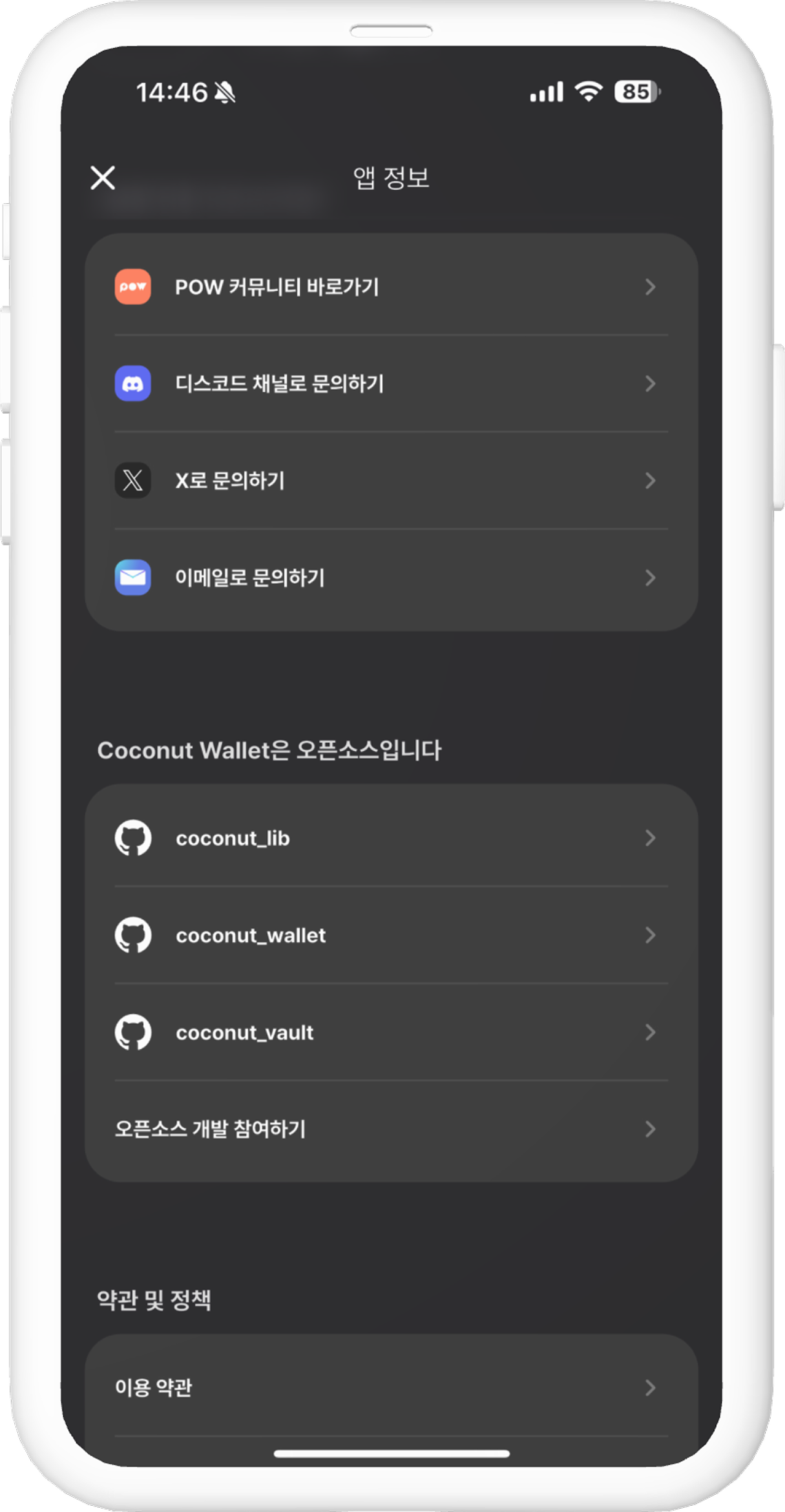
DON'T TRUST, VERIFY
Open source
as the foundation
of trust
We believe every Bitcoin wallet must be open source. We will not ask you to trust us blindly. Please read the code and verify for yourself.
Download
Not your keys,
Not your bitcoin
Start self-custody today!
coconut.onl uses the .onl TLD on purpose: it sounds like the Korean word 오늘 (oneul), meaning “today”—a small hint from our team in Seoul. Start self-custody today on your terms.
Official releases are only on the App Store and Google Play.